How to play in one room (Single-Home)
Everyone is in the same place. One person hosts, everyone else joins on their phone, and an optional TV shows the questions and the leaderboard. It takes about a minute to start.
If you are the host
- Open kwizjam.com/play on your phone, type your name, pick an avatar and tap Host a new game. You get a 4-letter room code.
- Choose a category (or Mix of everything), the number of questions (5, 10, 15 or 20), the seconds per question (10, 15, 20 or 30), how often the leaderboard shows (after every question, halfway, or only at the end) and, if you like, a theme (a seasonal look).
- Optionally connect the TV (below).
- When everyone has joined, tap Start game.
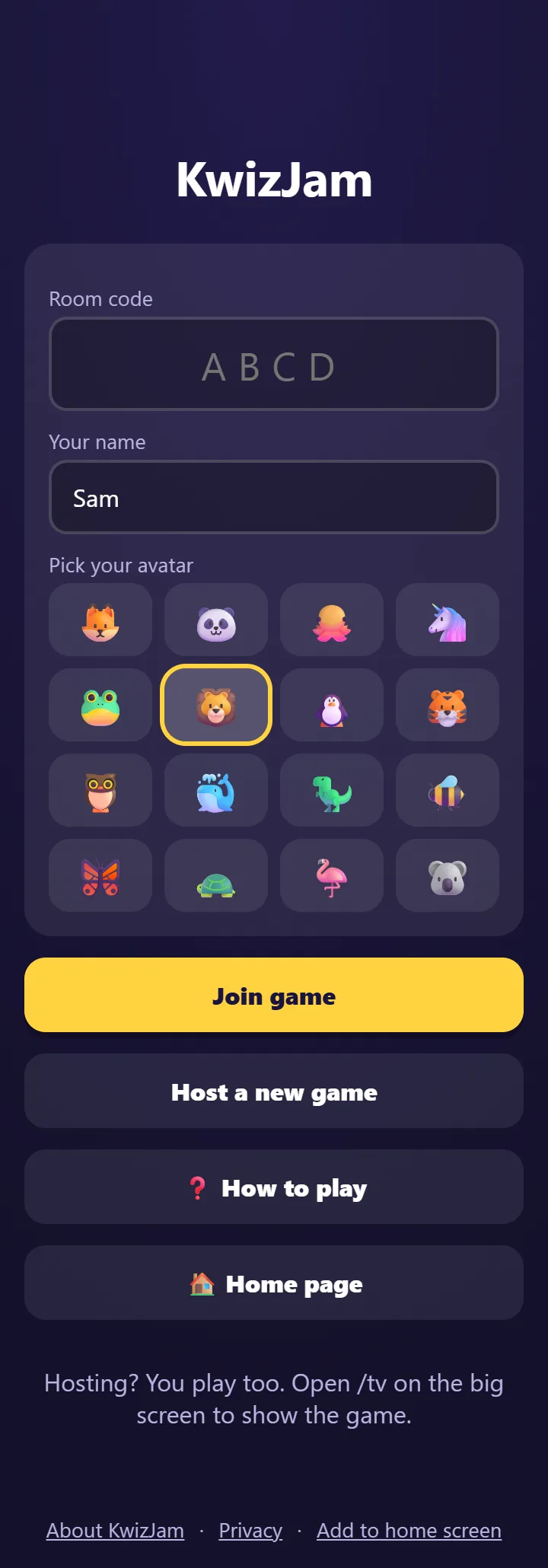
- 1Type your name
- 2Pick an avatar
- 3Tap Host a new game
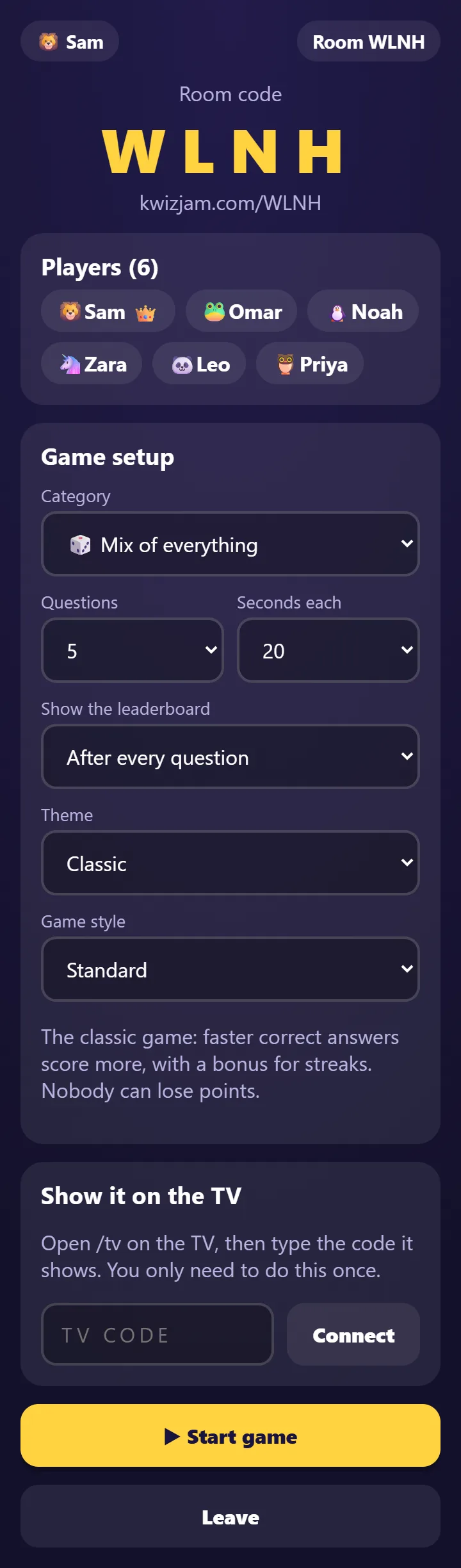
- 1Your room code. Players type this to join
- 2Everyone who joins appears here
- 3Choose the category, questions and game style, and open Advanced settings for the seconds, leaderboard and theme
- 4Optional: show it on the TV (see below)
- 5Tap Start game when everyone is in
If you are joining
- Open kwizjam.com/play, or kwizjam.com/ followed by the code, for example kwizjam.com/ABCD.
- Type the room code, your name, and pick an avatar.
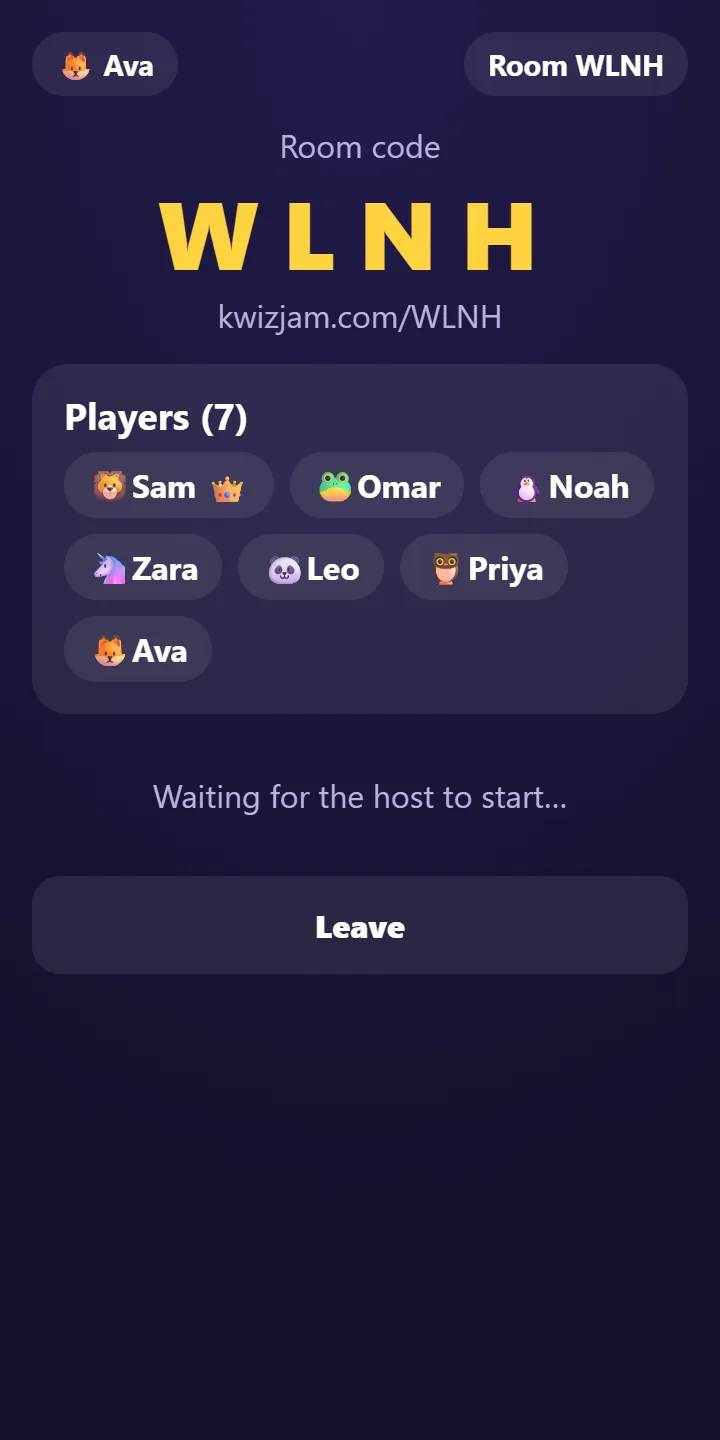
- Tap Join game and wait for the host to start.
- Answer on your phone. The quicker you are, the more you score.
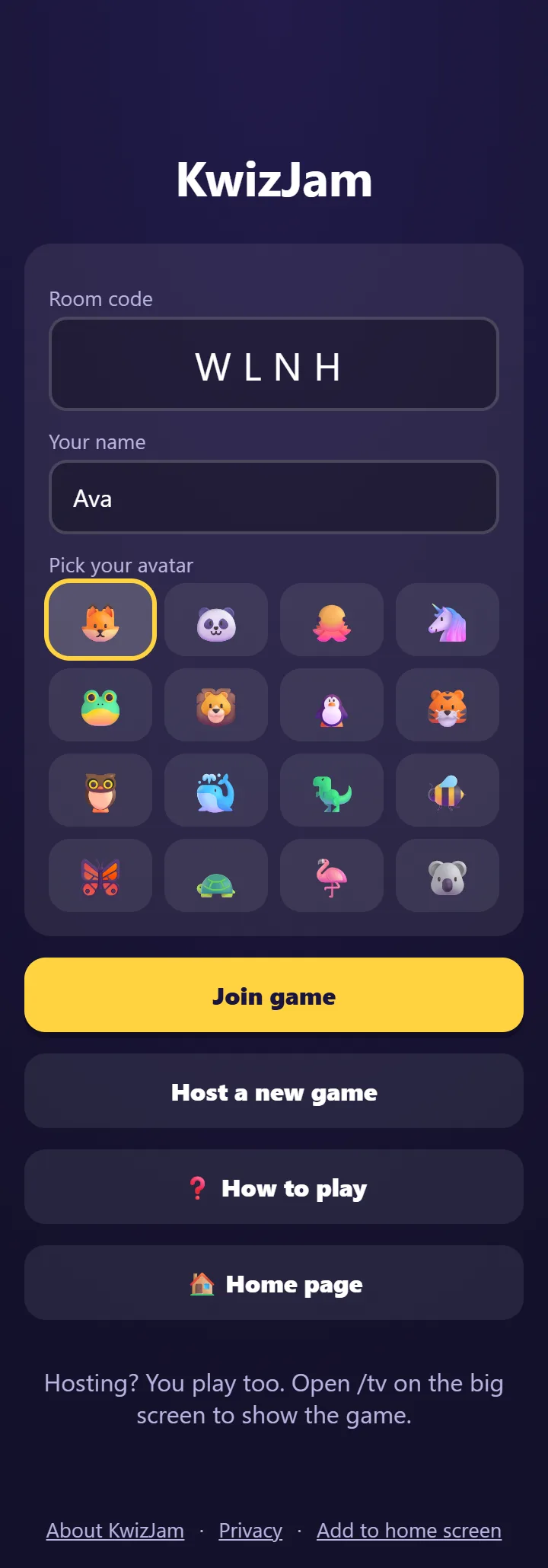
- 1Type the 4-letter room code
- 2Type your name
- 3Pick an avatar
- 4Tap Join game
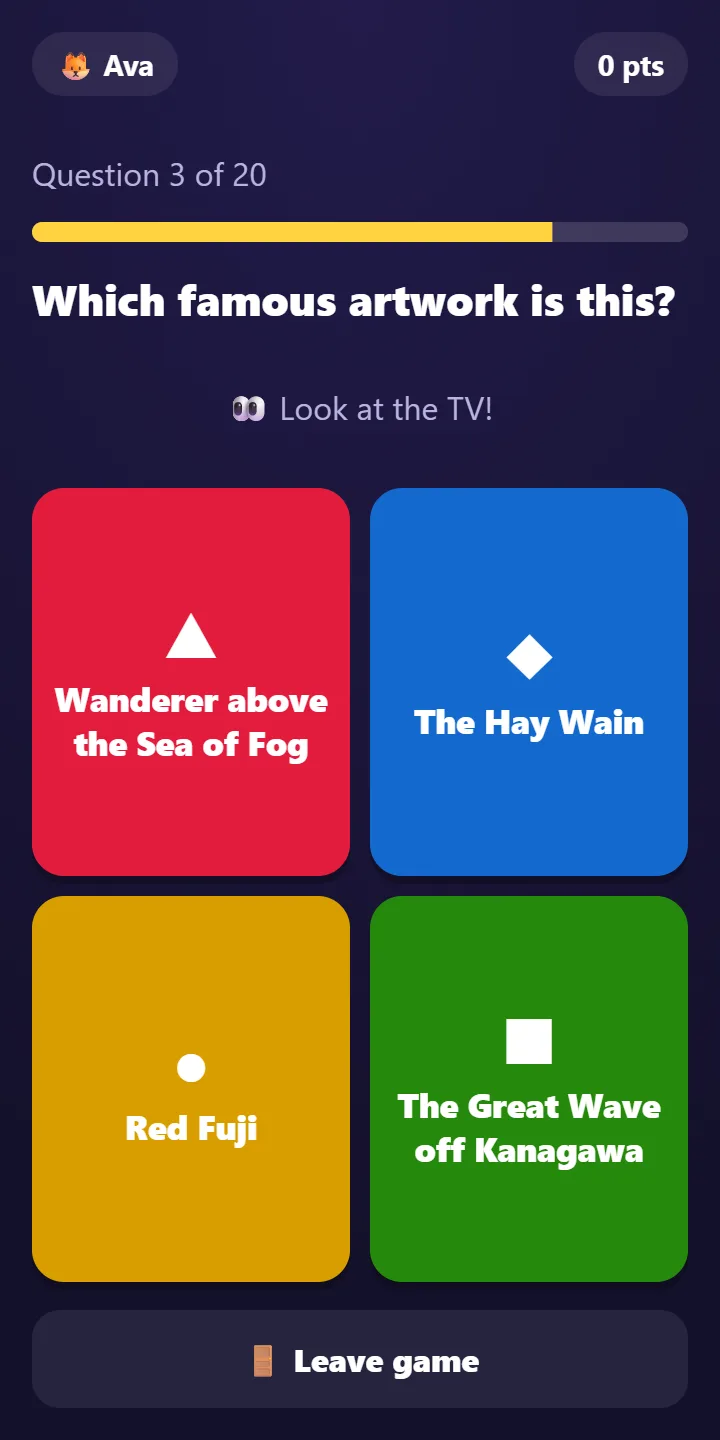
- 1Tap the answer you think is right
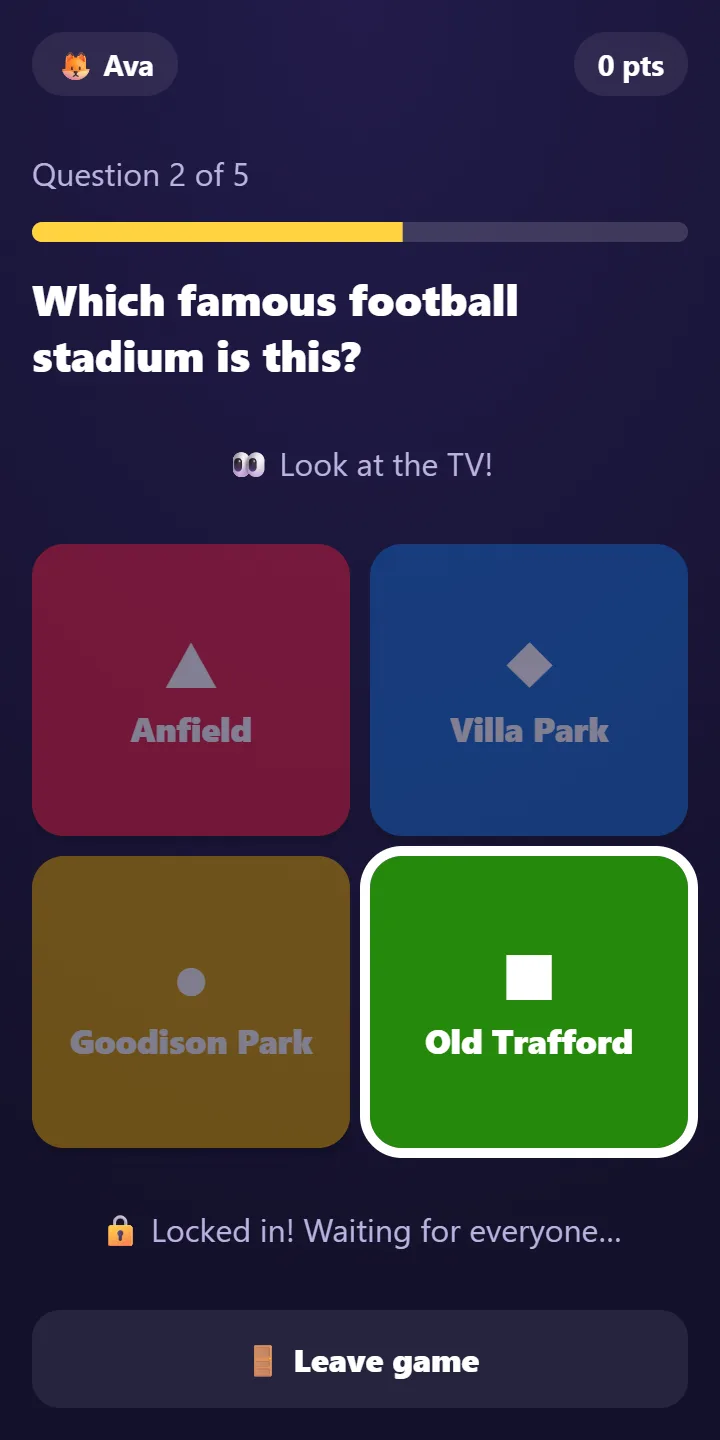
- 1Your answer is locked in. Wait for the others
Connecting a TV
- On the TV browser, or a laptop connected by HDMI, open kwizjam.com/tv. It shows a 4-letter TV code.
- On the host phone, in the lobby, enter that code under Show it on the TV and tap Connect.
- The host phone remembers the TV, so next time it connects by itself.
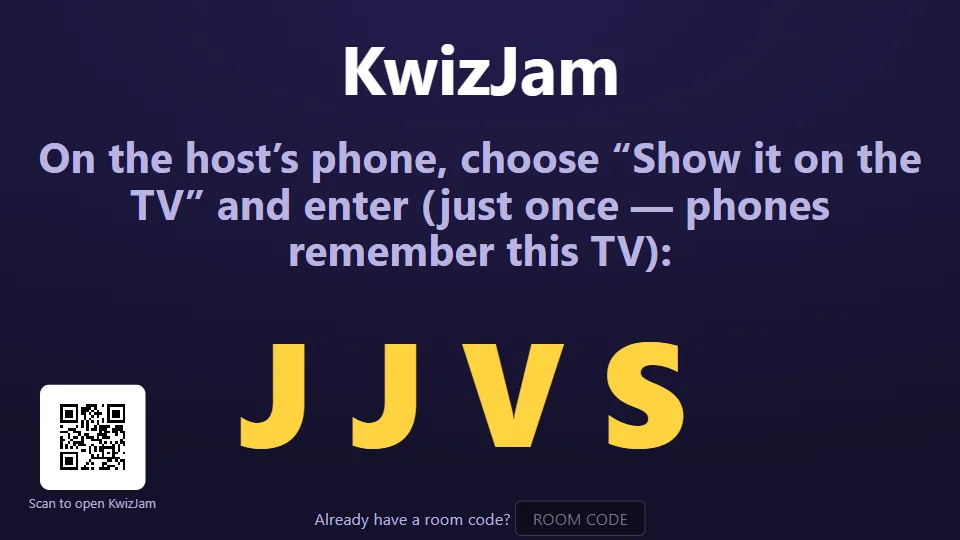
- 1The TV code
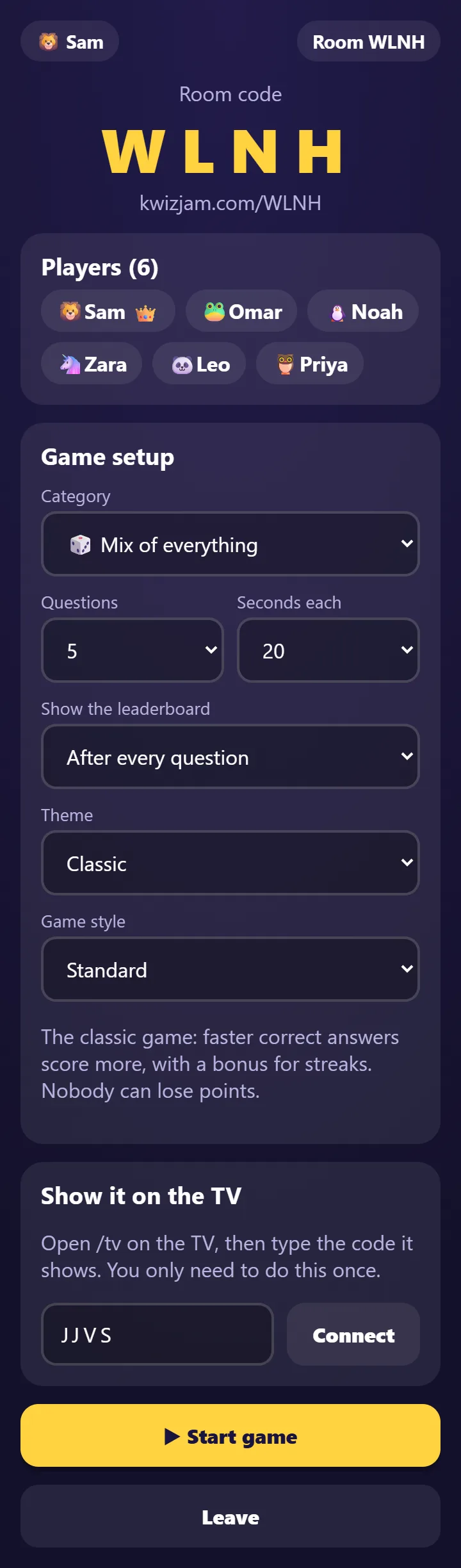
- 1Type the TV code here
- 2Tap Connect
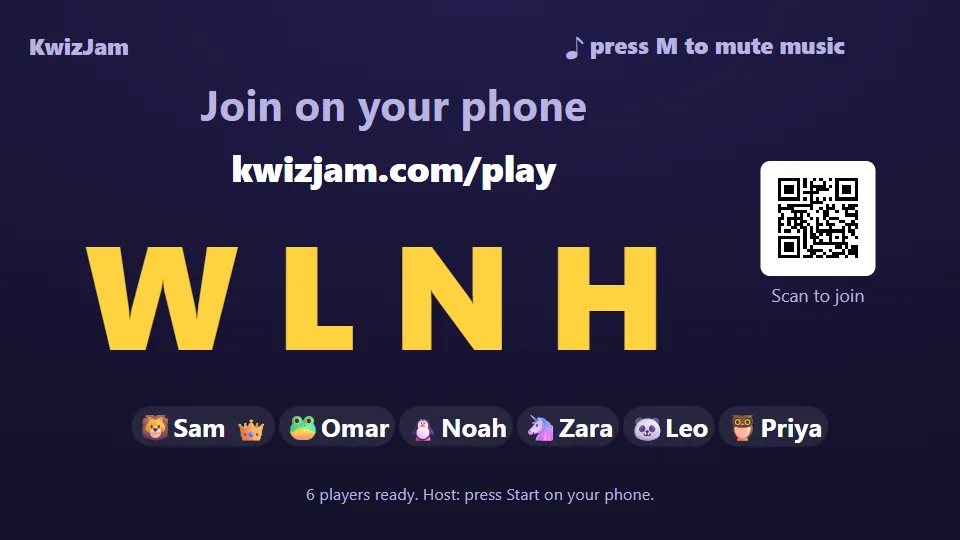
- 1Players type this code on their phones
What you see during the game
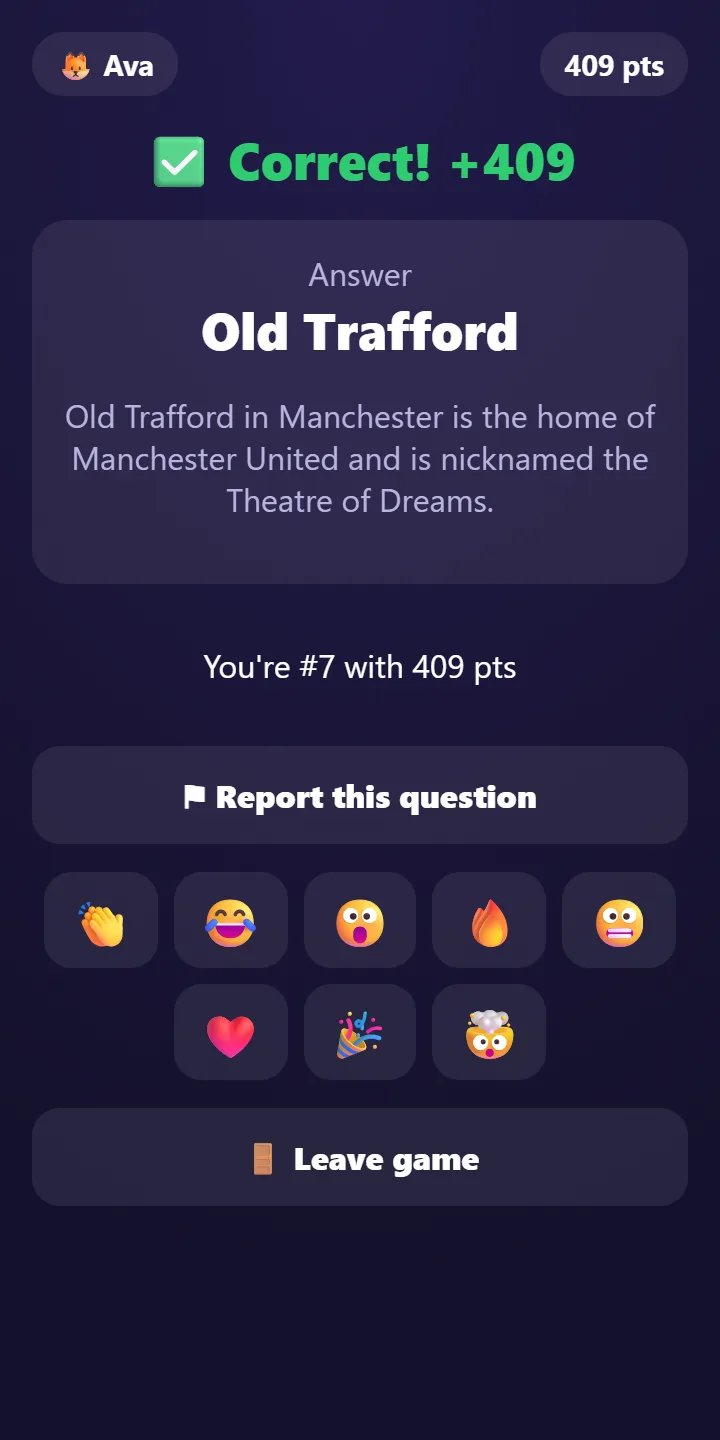
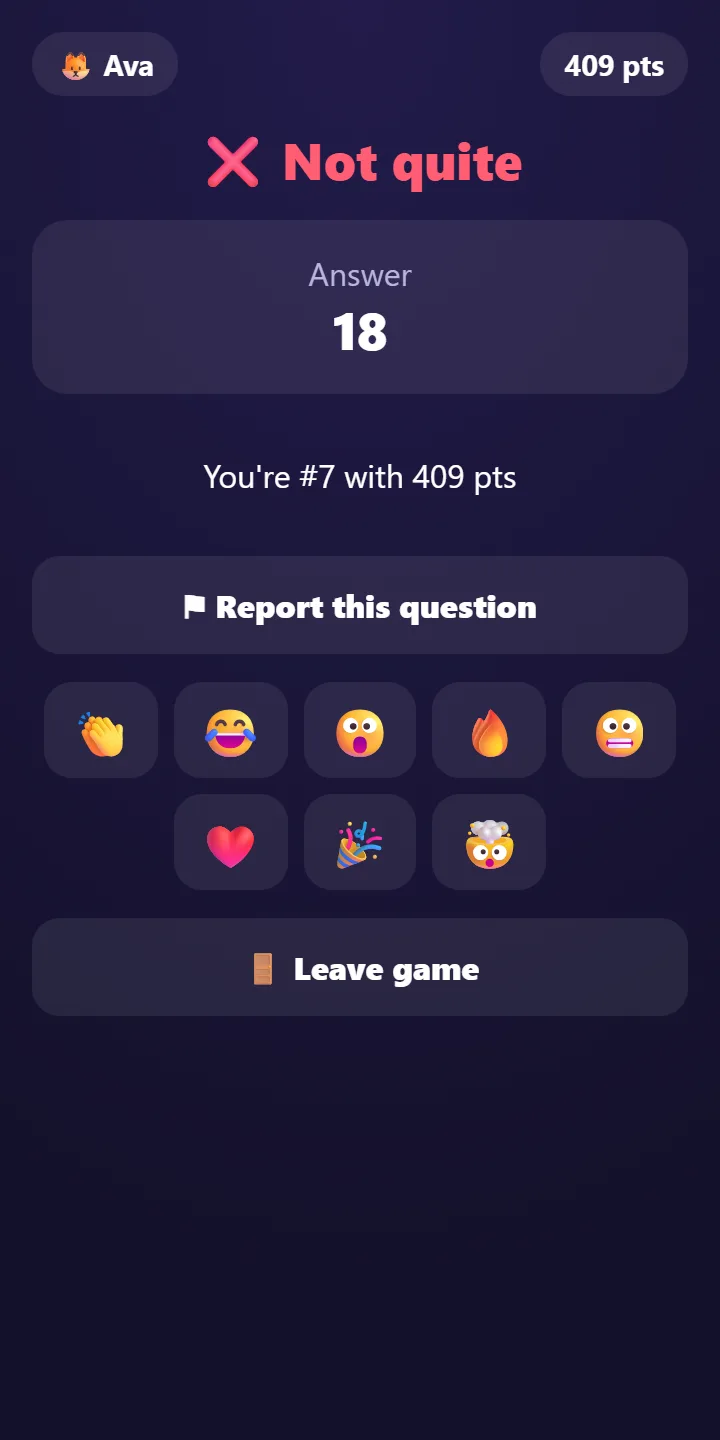
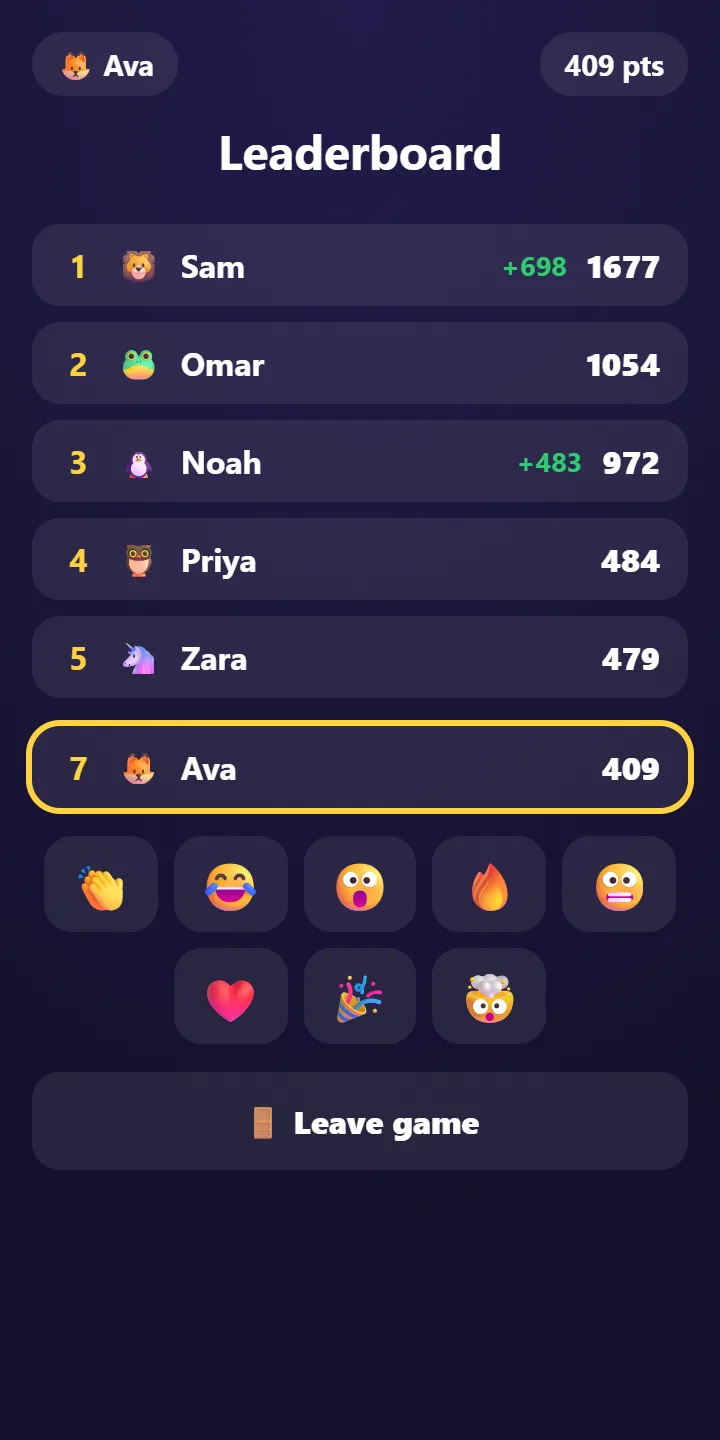
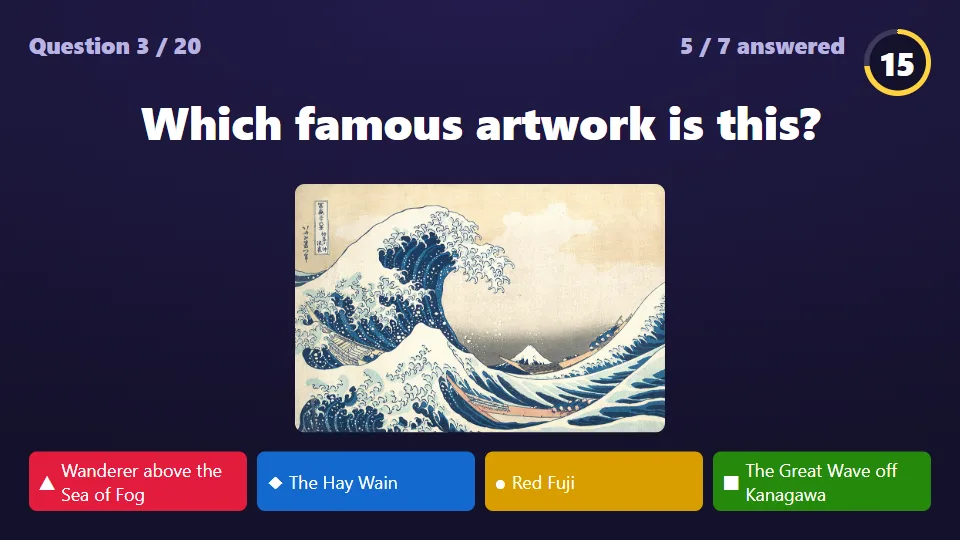
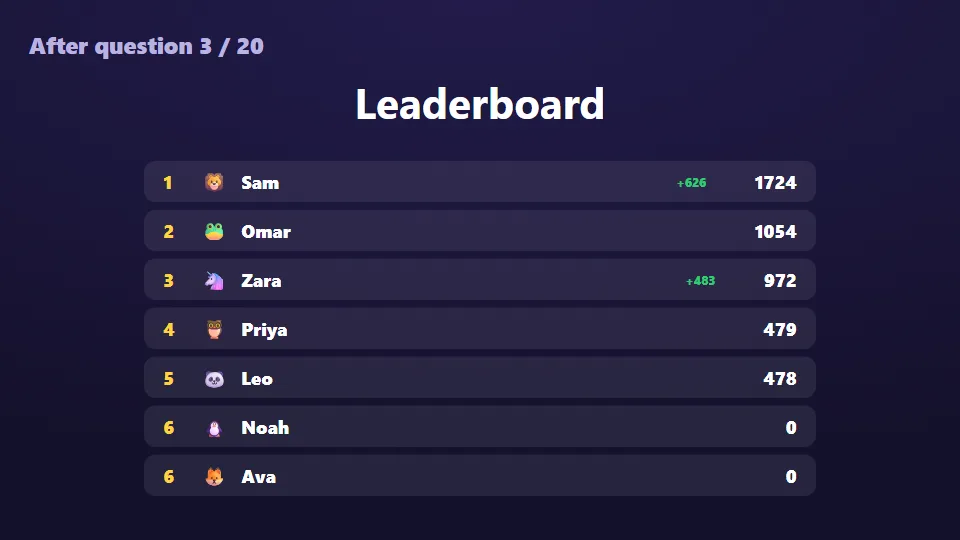
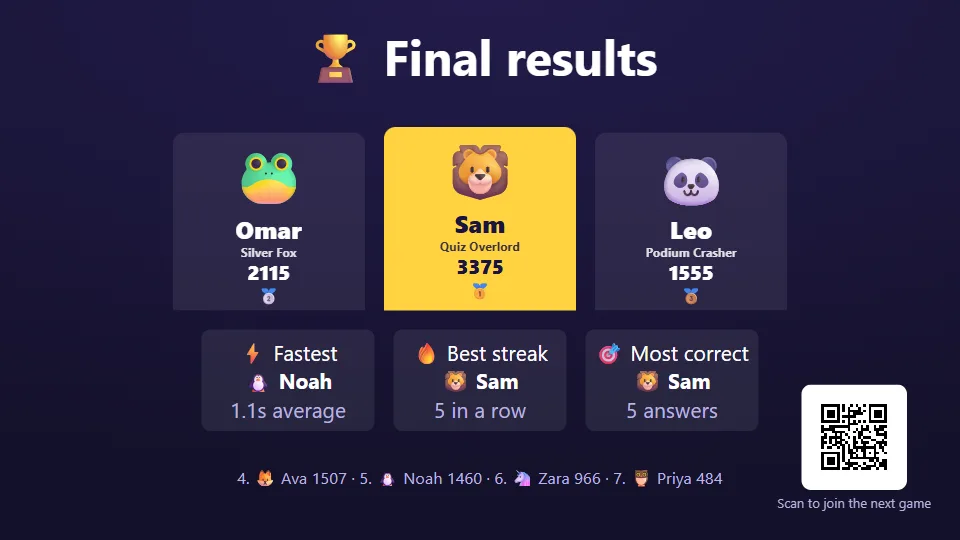
After every question, each phone shows whether the answer was right and how many points it earned. The TV, if connected, shows the question and answers, the correct answer, and the leaderboard. The host chooses in the lobby whether the leaderboard appears after every question, only halfway through, or only at the end.
Next
Game styles (Standard, Fun mode and Survivor), scoring and answers to common problems are on the How to play page. Playing in different homes? See Multi-Home or Anywhere.
Frequently asked questions
How many people can play?
Up to 30 players in a game, plus the TV.
Does the TV have to be a smart TV?
No. It needs a web browser: a smart TV, console, streaming stick or a laptop connected by HDMI all work.
Do I need a TV at all?
No. The TV is optional. Without one, every phone shows the questions, though picture questions, anagram puzzles and Odd One Out rounds are only asked when a TV is connected.